Promostandards for Woo Connects your WooCommerce Store to Suppliers that Employ Promostandards
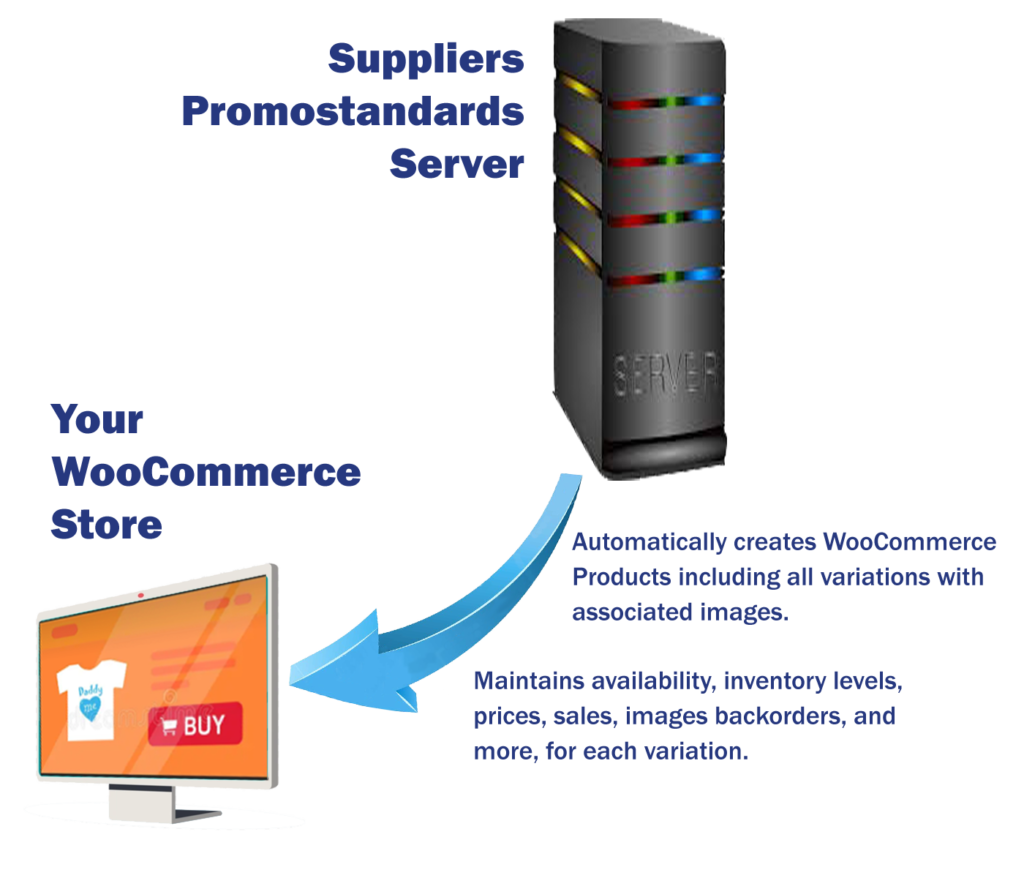
Promostandards for Woo facilitates the automatic creation and maintenance of new products with data customized to your store’s needs.
To use Promostandards for Woo, you must be selling products from a valid, Promostandards Supplier in your WooCommerce store.
The WooCommerce store owner will request account credentials directly from the supplier(s). Each supplier requires unique account access credentials.
Access credentials can be applied for by visiting this page on the Promostandards website. Search for the supplier from which you would like credentials and click the red button with the key icon for that supplier.

How to Use This Demo
Only Cutter & Buck products can be processed, and the connection is made to the C&B test server.
This demo will only download “front view” images to save time, though C&B provides many more images than that.
Promostandards for WooCommerce is designed to run as a cron job without human intervention, allowing longer process runtimes. As a demo, the process will timeout after 5 minutes. If the update fails to be completed in under five minutes, an error message will appear with instructions.
Connection errors are not uncommon. If the receiving server gets more requests than it can handle, it will start rejecting them. If it happens, try again. Connections may be rejected for hours during busy periods. In that case, come back another time.
If a product is labeled has “Limited Inventory,” there’s a good chance it will fail the import as “not sellable.” For successful updates, choose available products.
STEPS:
- Click here to open the CBCorporate.com website in a new tab or window.
- Find any product C&B sells. Choose a C&B product at random and find the SKU for that product.
- Copy and paste or enter the SKU value in the form field and click “Go.” Be patient. The process can take a few minutes.
- Upon success, the page will reload to display the new or updated WooCommerce product below this section. If there are errors, they will display above the form.